IRON FISH — Prepare For The Mainnet!
21/03/2026
Less than 24 hours remain until the IRON FISH mainnet launch, scheduled for April 20th 2023, at 16:00 UTC. We recommend everyone to prepare for this event.
Wallet Preparation
The IRON FISH coin developers advise you to update your wallets to version 0.1.76 to ensure readiness for the transition to the mainnet. To check your wallet version, run the PowerShell command ironfish.
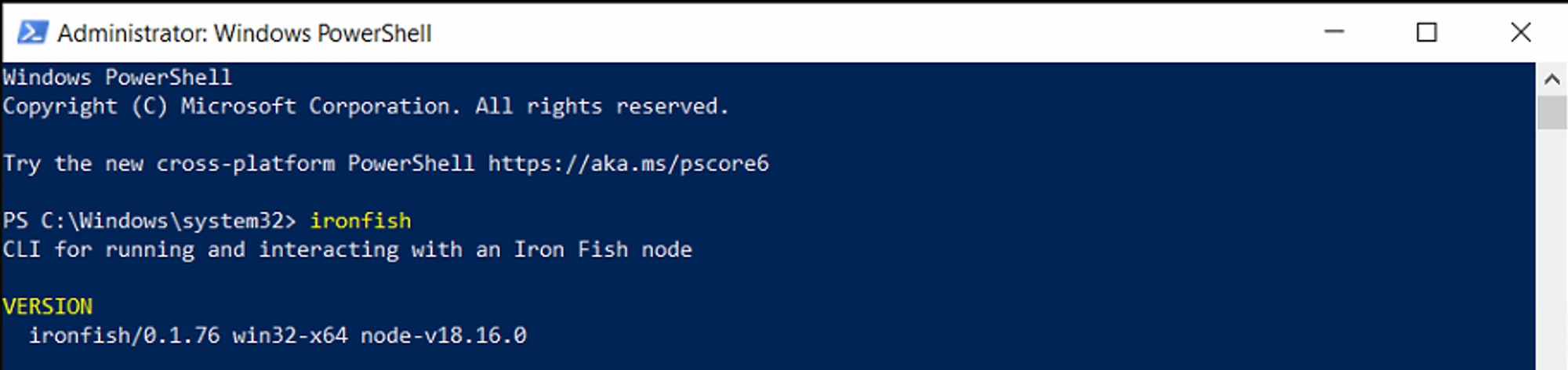
Please ensure that you have correctly selected your main wallet and the one you are mining on. If you followed our instructions strictly when creating your wallet, then there should be no issues. However, if you are unsure, let's double-check! Type in the following command:
ironfish wallet:accountsIf you only have one wallet listed under the accounts, then everything is fine and you can move on to step 2.

If you have 2 or more wallets (for example:
defaultandMyKryptexWallet) — you need to backup each wallet separately. Before each backup, you need to select a certain wallet. To do this, run the command:ironfish wallet:use yourAccountName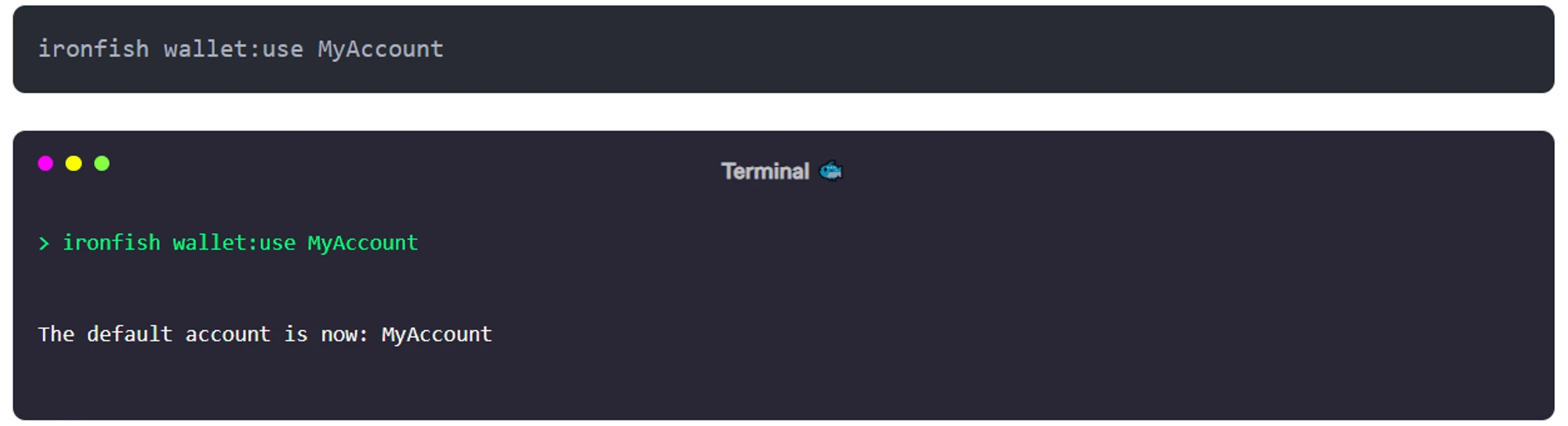
You can verify which account is currently set as the main one by using the command:
ironfish wallet:which
Make sure to back up your keys if you did not!
If you have a node wallet created according to these instructions, run the command:
ironfish wallet:export --mnemonic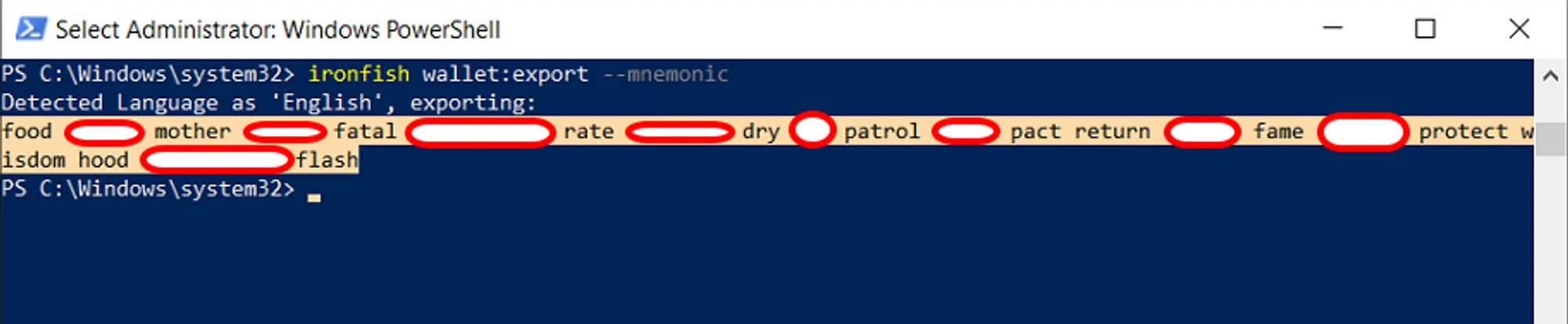
To create a backup of your wallet in full format, use the following command:
ironfish wallet:export YourAccountName --path C:\Wallets\Wallet.txt ****This will generate a file export containing all of your wallet's data.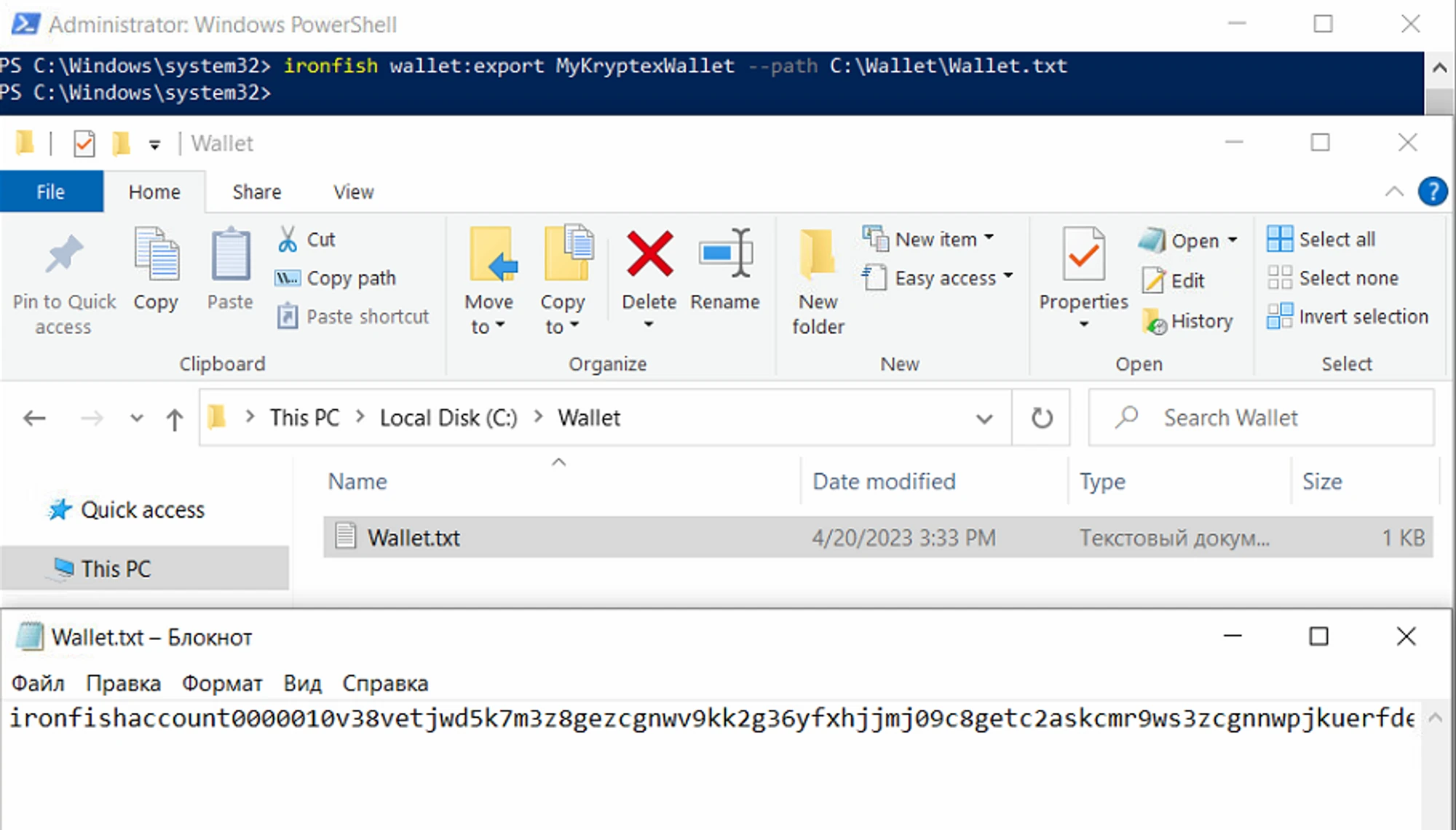
You may need to update your node. Reboot your PC, run PowerShell as an administrator, and enter the command:
npm install -g ironfish update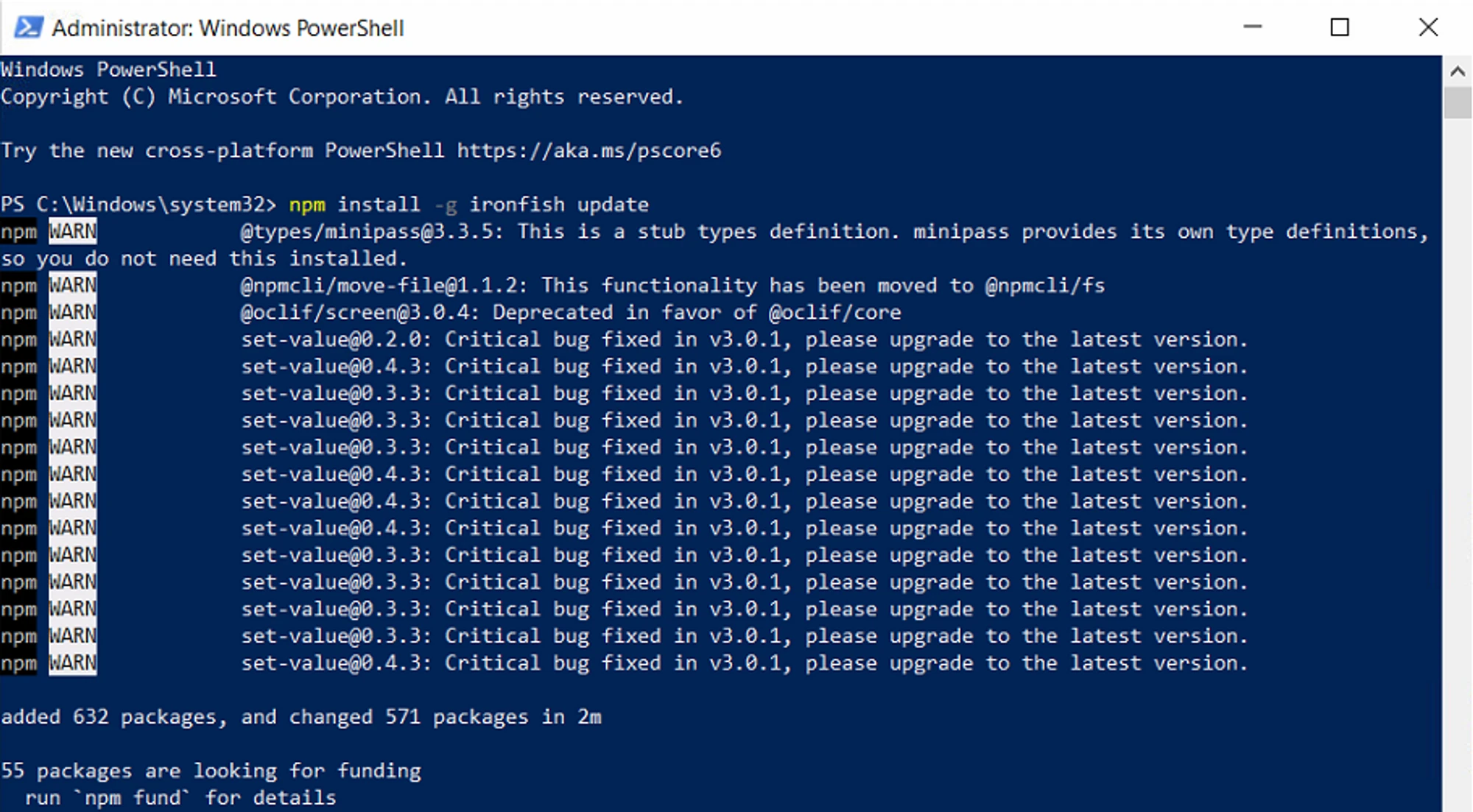
Reset the wallet database to re-sync with the blockchain. Your wallet should not be lost or damaged, but just in case, keep your secret key combination ready!
Run the command:
ironfish reset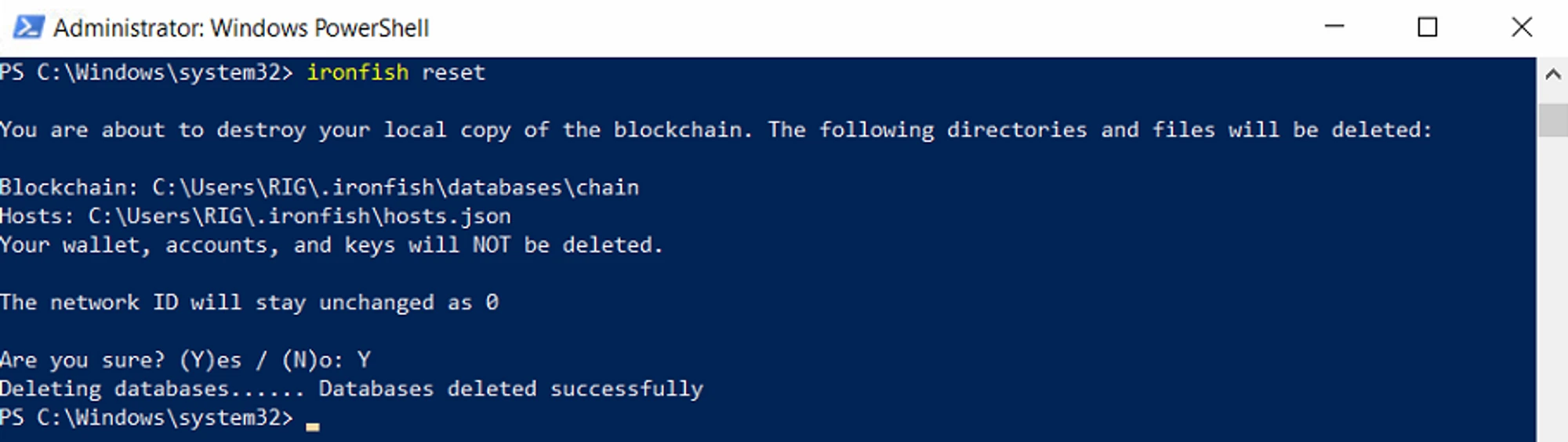
The wallet will ask if we are sure - confirm by entering
Yand pressing Enter.The wallet will report that the database was successfully reset:
Databases deleted successfully.
Check if everything is fine with your wallet by running the command:
ironfish wallet:address
If you see your wallet name and address, everything is fine, and the update and synchronization were successful. If something is wrong, restore your wallet using your secret combination of words. A complete list of wallet commands can be found on the developer's website.
Mining, Coins, and Pools
- The coins you earned on the testnet will disappear - this is normal. The launch of the mainnet means that things are about to get real. If you participated in the airdrop from the Kryptex pool, all the conditions are detailed in this article.
- Keep mining. Nothing needs to be switched.
- The pool may drop the connection for a while - this is normal! We will also need to update our infrastructure for the mainnet, and disconnection is a common practice, but we will make everything as convenient as possible for you.
- If the connection still breaks, do nothing and wait until the miner reconnects to the pool itself.
- If the connection is lost for over 30 minutes, restart your miner or the farm if you have Hive|Rave.
What's Next?
Next, mine! After the launch of the mainnet, everything will be real:
The pool will pay out real coins to your wallets.
We, like you, will wait for the coin to be listed on exchanges to pay you an airdrop.
We await updates and convenient wallets from the coin developer or third-party developers.
Save coins and HODL!
